

Managed Microsoft 365 for the Modern Workplace
What is the Modern Workplace?
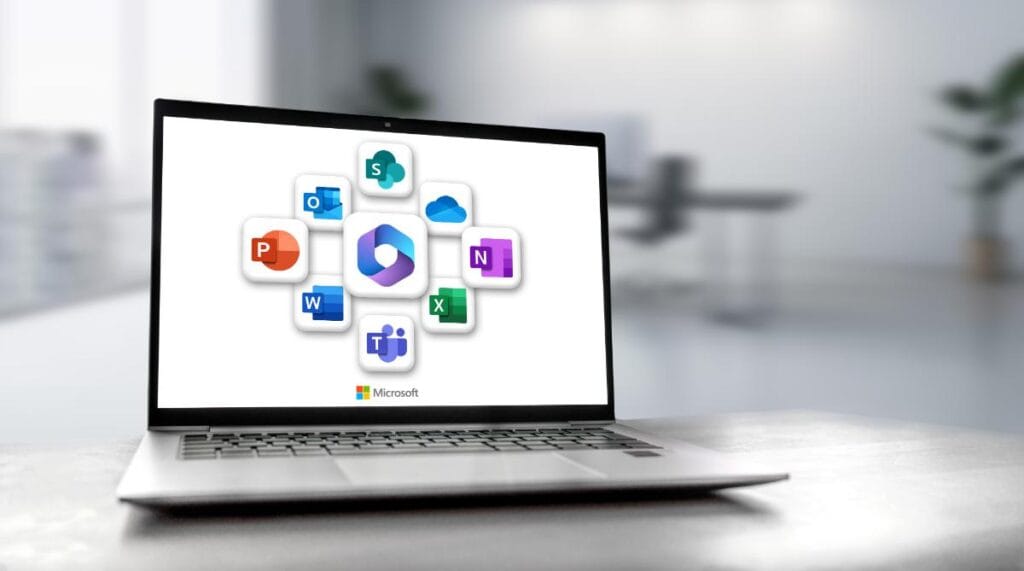
Microsoft 365 is more than just a software suite; it’s a comprehensive online platform that combines applications like Word, Excel, and PowerPoint with cloud services like OneDrive, Teams, and SharePoint. The Modern Workplace, powered by Microsoft 365, enables seamless collaboration, secure communication, and efficient workflows for your business.
What our Modern Workplace Microsoft 365 Managed Services Include
- Teams Management: We manage Teams channels, users, permissions and settings so your staff can collaborate clearly without messy workspaces or duplicated groups.
- OneDrive Management: Our Microsoft 365 managed services help keep file access, sharing permissions and storage settings organised, giving your team secure access to documents from anywhere.
- SharePoint Management: We structure and manage SharePoint sites, document libraries and access controls, ensuring the right people can find the right files without digital chaos.
- User and Licence Management: As your Microsoft 365 managed service provider, we handle user onboarding, role changes, account removals and licence allocation to keep your tenancy tidy and cost-effective.
- Policy and Permission Management: We maintain Microsoft 365 settings, admin policies and access permissions so your workplace stays organised as your business grows.

Why Opt for Microsoft 365 Managed Services?
- Expert Licensing Guidance: Navigating Microsoft 365 licensing can be overwhelming. As a Microsoft 365 managed service provider, we can recommend the right licenses for your business needs, ensuring cost-effectiveness and compliance with Microsoft’s terms of service.
- Support: Our dedicated support team is here to address any issues, from troubleshooting to user training.
- Enhanced Security: Microsoft 365 comes with robust security features, but configuring them correctly is crucial. As a core part of our Microsoft 365 managed services, we can set up advanced threat protection, data loss prevention, and multi-factor authentication to safeguard your sensitive information.
- Seamless Migration: Moving to Microsoft 365 can be complex. Our team will handle your migration process smoothly, minimising disruptions and ensuring data integrity during the transition.
- Avoid Underutilisation: Many businesses only use a fraction of the tools included within Microsoft 365. Through our Microsoft 365 managed services, we help you make full use of applications such as Teams, SharePoint, OneDrive and Power Automate.
Want to Know More About Our Microsoft 365 Managed Service?
Planning a Microsoft 365 migration, need ongoing administration, or want more from your current setup? Fill in the form below and we’ll show you how our Microsoft 365 managed services can help. Already a Revolution client? For support requests, please email helpdesk@rvn.co.nz, submit a ticket through the Client Portal, or call us on 09 973 4770.
Frequently Asked Questions

Let’s make your business IT perform
Have a question or need some advice? We would love to help. Get in touch today.
General Enquiries
Service Helpdesk